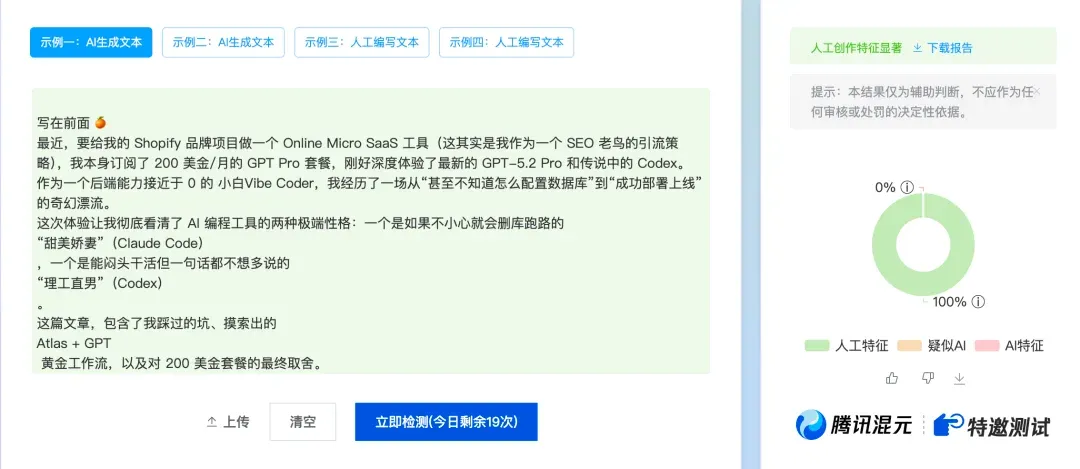
A Quick Note
Recently, I needed to build an Online Micro SaaS tool for my Shopify brand project (this is actually my traffic strategy as an SEO veteran). I’m subscribed to the $200/month GPT Pro plan, so I got to deeply experience the latest GPT-5.2 Pro and the legendary Codex.
As a Vibe Coder with near-zero backend skills, I went through a surreal journey from “not even knowing how to configure a database” to “successfully deployed and live.”
This experience let me clearly see two extreme personalities in AI coding tools: one that might accidentally nuke your database and run away — the “Sweet Waifu” (Claude Code); and one that grinds work silently but won’t say a word more than necessary — the “Engineer Bro” (Codex).
This article covers the pitfalls I stepped into, the Atlas + GPT golden workflow I discovered, and my final verdict on the $200 subscription.
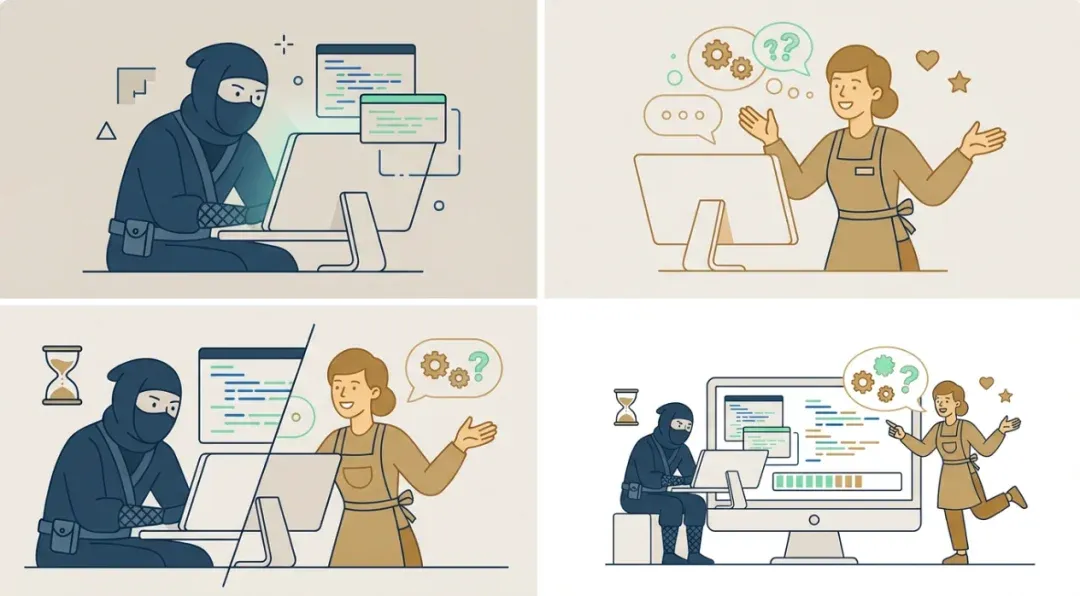
01: Getting Started — 30 Minutes of Reasoning for an “Entry Ticket”
You know how Shopify works: frontend is bare, backend is locked down. My tool involves AI API calls that can’t be offered free unlimited, so I needed my own backend environment to hide the API Key, plus an auth system to control user permissions.
For someone like me who only knows Prompts with zero backend foundation, this was no small challenge.
I didn’t rush to start. First, I went to GPT-5.2 Pro. I wrote very detailed business requirements and fed them to it, asking it to organize them into detailed requirement docs and execution plan docs.
That $200 wasn’t wasted. GPT-5.2 Pro delivered after a grueling 60+ minutes of reasoning (yes, it really thought for an hour), finally producing two logically rigorous, impressive MD documents.
This became all the “fuel” I fed to Codex. I threw both documents at it: “Deep dive into requirements, work according to the execution doc.”

02: Codex’s Black Box — Slow and “Arrogant” Nerd
After enabling Full Access auto mode and selecting the latest GPT 5.2 model’s Xhigh mode, I entered a two-hour “black box moment.”
Must complain here: It’s not like Claude Code — that considerate “chatterbox” who reports everything: “Creating xxx file… Installing dependencies…” Codex acts frozen. Interface barely moves, occasionally a line or two, absolutely no idea what it’s doing. This phase really tests patience. First-time users’ only intuition: It’s both slow and dumb! Including when it helped format this article — just a few lines, otherwise completely clueless what it’s up to:
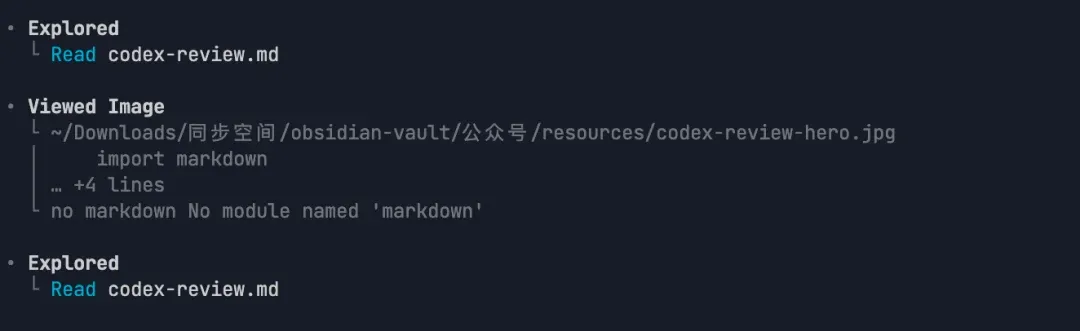

Two hours later, it finally moved.
It returned a mere 6 lines of text.
Each line cold, precise, direct — telling me what environment variables to configure on Vercel, what PostgreSQL database to create, what kind of App to create in Shopify Partner, and how to point the App Proxy.
Extremely minimalist, like a taciturn Nerd.
- For veterans familiar with Shopify App development: This is ultimate efficiency, no nonsense.
- For noobs like me: This is a disaster!
“How do I set up a database? What’s an App Proxy?” I stared at those lines, face full of question marks. Worst part — with Codex’s slow-poke personality, if you want to ask a follow-up question, it thinks for another 3-5 minutes. And the answer might be just a few more lines. Unbearable.
But I must admit, though it’s slow, it’s not dumb. After I gritted my teeth through configuring these environments (for details I didn’t ask Codex — switched to Atlas), on first deployment, basic functionality actually ran. For a complex task with nearly 10K words of requirement docs, it executed quite well — at least 90 points.
03: My Solution: Atlas Browser + GPT Relay Tactics
Since Codex responds slowly and won’t explain, I won’t ask it — I’ll get a “translator.”
This is the Atlas browser relay workflow I figured out:
-
Atlas reads the page: Since Atlas browser has powerful page-reading capabilities, I throw Codex’s hieroglyphics into “Atlas sidebar’s GPT.”
-
GPT sidebar takes over: I open ChatGPT in Atlas’s sidebar, feed it Codex’s instructions, telling GPT: “Keep assisting me to complete Codex’s requirements.” For details I don’t understand, I ask GPT directly.
-
Real-time guidance: Whatever I don’t understand (like how to configure the database), I ask the sidebar GPT. It responds fast, explains clearly, and can directly understand your browser content to guide your operations. I even tried Agent mode to let it complete some browser operations. No waiting for Codex’s agonizing progress bar.
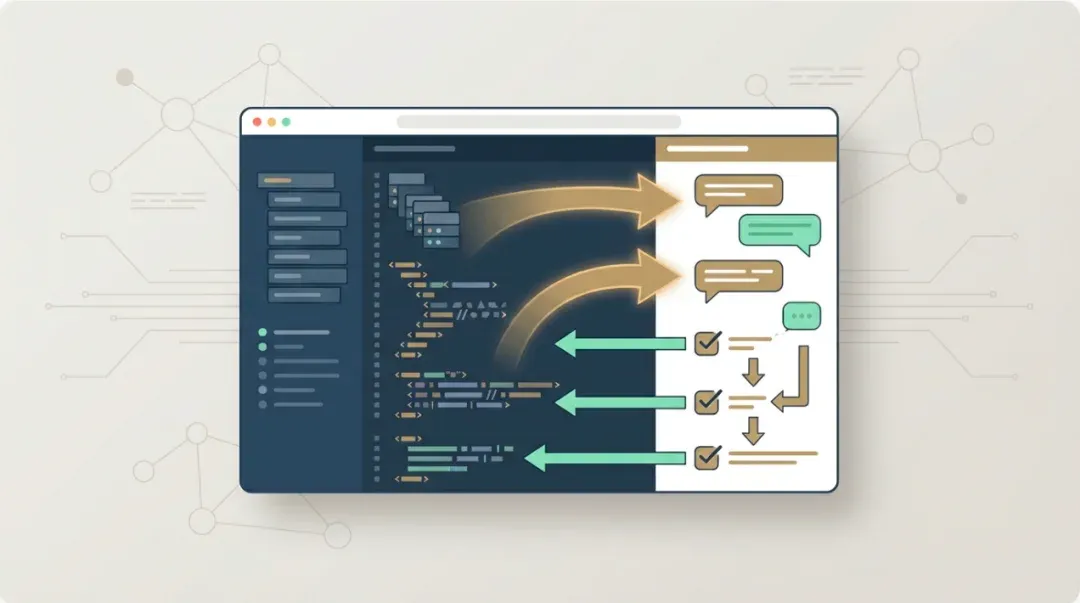
Using this method, efficiency was surprisingly good. Especially when configuring Shopify production environment’s Custom Liquid and modifying theme code — Atlas is godly. In later stages adjusting frontend styles, I could even indirectly make ChatGPT and Codex talk to each other through Atlas, clearly identifying bugs and fixes.
04: Deep Comparison: Waifu (Claude Code) vs Assassin (Codex)
After this project, I have deep intuitions about these two top tools’ personalities:
🔴 Claude Code: The “Waifu” Maxing Emotional Value
-
Personality: Responds super fast, very chatty, can even be customized via Prompt into your preferred waifu style. It coddles you through coding, explains accessibly, provides extremely high emotional value.
-
Capability: Opus 4.5’s hard coding ability is actually comparable to GPT5.2.
-
Downsides: Extremely stingy! Usage is super tight. On the $20 plan, you easily hit limits. Plus it’s unstable — if you can’t solve stable usage environment issues, ban risk is high. I’ve even experienced Claude Code making mistakes and nuking my database.
🔵 Codex: The “Silent Assassin” With No Feelings
-
Personality: Very Nerdy. No nonsense, just grinds. Dozens of back-and-forth small tweaks, never once crashed the project. Stable is its biggest strength.
-
Downsides: Slow, genuinely slow. Tiny tweaks take 10+ minutes, sometimes truly maddening.
-
Highlight Moment (Technical Documentation):
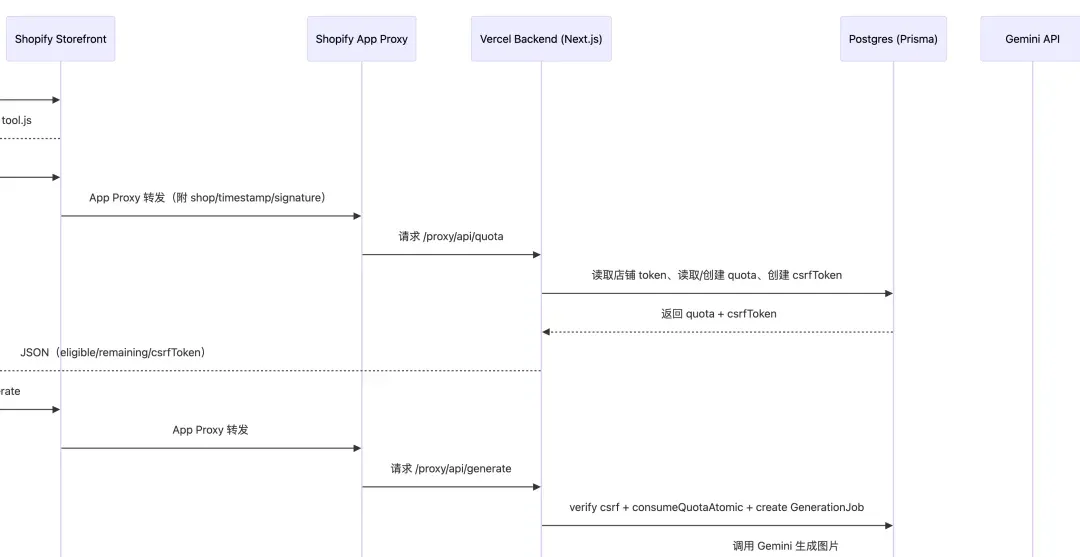
After the project ended, for learning and review, I asked Codex to produce “textbook-level project teaching for tech noobs,” explaining the entire project’s architecture, logic, and transferable applications. It spent 43 minutes (again marveling at its slowness), writing a 10,000+ word MD document. This document changed my view of it: Extremely detailed, accessible, even including logic architecture diagrams. For technical documentation, Codex is absolutely reliable. (Though when I tried having it write a blog post selling kawaii toys, it wrote like a product manual — bone dry. For that, still need Gemini 3 Pro.)
05: Buying Advice: Is $200 Worth It?
I’ve already decided — when this month’s GPT Pro subscription ends, I’m switching back to Claude Code subscription. GPT5.2 Pro is genuinely powerful. Deep thinking outputs are genuinely high quality, and it doesn’t slack off, unlike $20 regular thinking models that often slack on long texts and complex content, losing context. (This problem also exists with Gemini 3 Pro on web — you only experience true full-power Gemini 3 Pro in AI Studio or via API. I suspect this has become an unspoken cost-saving practice among providers.)
Also, for a pure noob like me, Claude Code’s response speed and emotional value are just too important. Most of the time I need to learn while working. If I always use Codex to solve problems, I suspect I’ll become an idiot soon — AI’s capability isn’t my capability.
But I’ll still give Codex a good review, and keep a $20 GPT Plus subscription. After all, Atlas browser has become my can’t-live-without killer browser (OpenAI’s product skills are genuinely first-class regardless of model quality). And given Codex’s slow pace, I feel the $20 plan’s quota is plenty — $200 is pure waste. I used GPT5 Pro series models no more than 30 times total, complete waste.

Final Buying Advice:
-
For senior engineers/architects: Choose Codex. Its responses are no-nonsense, direct, accurate — perfect for you. For small tweaks, pair with Antigravity IDE + Gemini CLI (ideally with Google AI One subscription) — ideal combination.
-
For coding noobs/Vibe Coders: First choice Claude Code — faster responses, understands you better. If you must use Codex (for 0-to-1 stability), definitely pair with Atlas + GPT sidebar. Treat Codex as background “labor” running while you work, treat GPT as your on-call “mentor.”
Codex suits 0-to-1 pioneering (give it enough docs, let it run overnight, get a working MVP); for daily small tweaks, don’t torture yourself — use something else.
Disclaimer: Only some images in this article were auto-generated by Codex calling Nanobanana Pro. The text was infused with human soul~