

Right now the streets are probably full of videos and articles teaching you how to use Grok Bot to run a one-person company. What people don’t realize is that this scene is just a rerun of the moment when OpenClaw blew up. The thing is, OpenClaw did blow up, and it did make its way into a lot of companies’ internal workflows. But it doesn’t seem like any more one-person companies actually survived, does it? Haha.
Alright, I’m not going to talk about how to use these things. My belief has always been that a good AI doesn’t need to be taught, and I myself never watch those tutorials on how to use some app or some product. What I want to share is how I, from a product manager’s point of view, would understand and analyze the product design philosophy behind two assistant-style agents that look almost identical: Musk’s Grok Bot and Altman’s Dot.
First, the surface and the differences
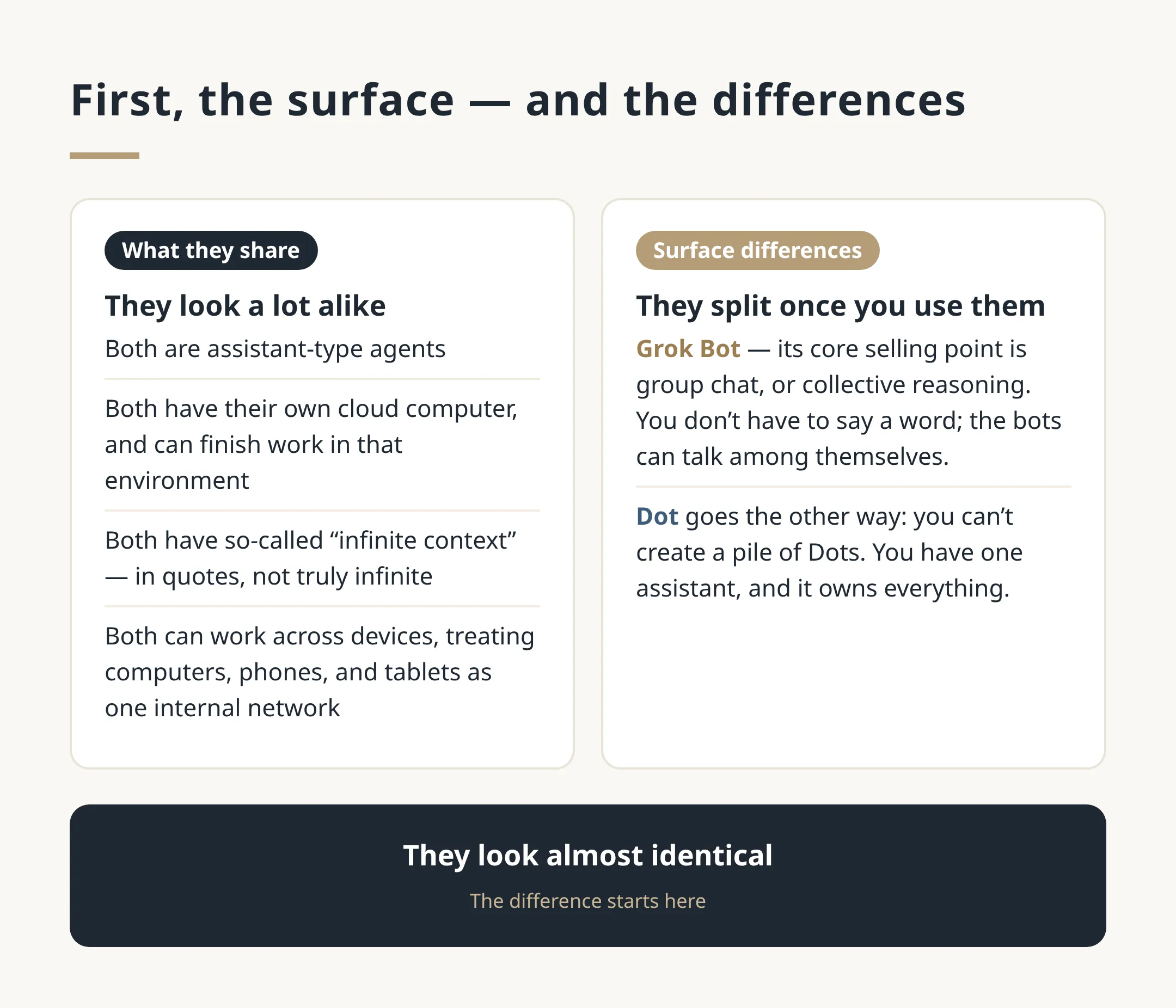
The two of them have quite a few things in common.
Both are assistant-style agents. Both have their own cloud computer, and can finish tasks in their own computer environment. Both have so-called “infinite context” — and I put “infinite context” in quotes on purpose, because it isn’t truly infinite, it’s just a context-management mechanism that makes it look that way. Both can also work across devices without boundaries, taking your computers, phone, and tablet and controlling them as one internal network. For someone like me who likes working on several devices at once (I usually sit two Macs side by side, rather than using two monitors), it feels incredibly smooth. If you add Tailscale into the mix, you can even bring more devices onto the same network and turn them into one distributed cluster.
Next, some surface-level differences.
Grok Bot’s real ace, and the core selling point behind its one-person-company moment, is group chat — or rather, the ability to put heads together. I don’t have to say a single word in a Grok Bot group; the bots can start talking among themselves. Here’s something kind of funny: I don’t even have to be involved, and they can still burn through a huge pile of my tokens.
Then there’s Dot, which goes in the opposite direction. You can’t create a pile of Dots. You only get this one assistant, and it takes charge of everything. As for extras like being able to make phone calls, I wouldn’t count those as its core highlights.
What gets old after you’ve used them for a while is the process
I’m a heavy user of both products, so let me talk about my experience.
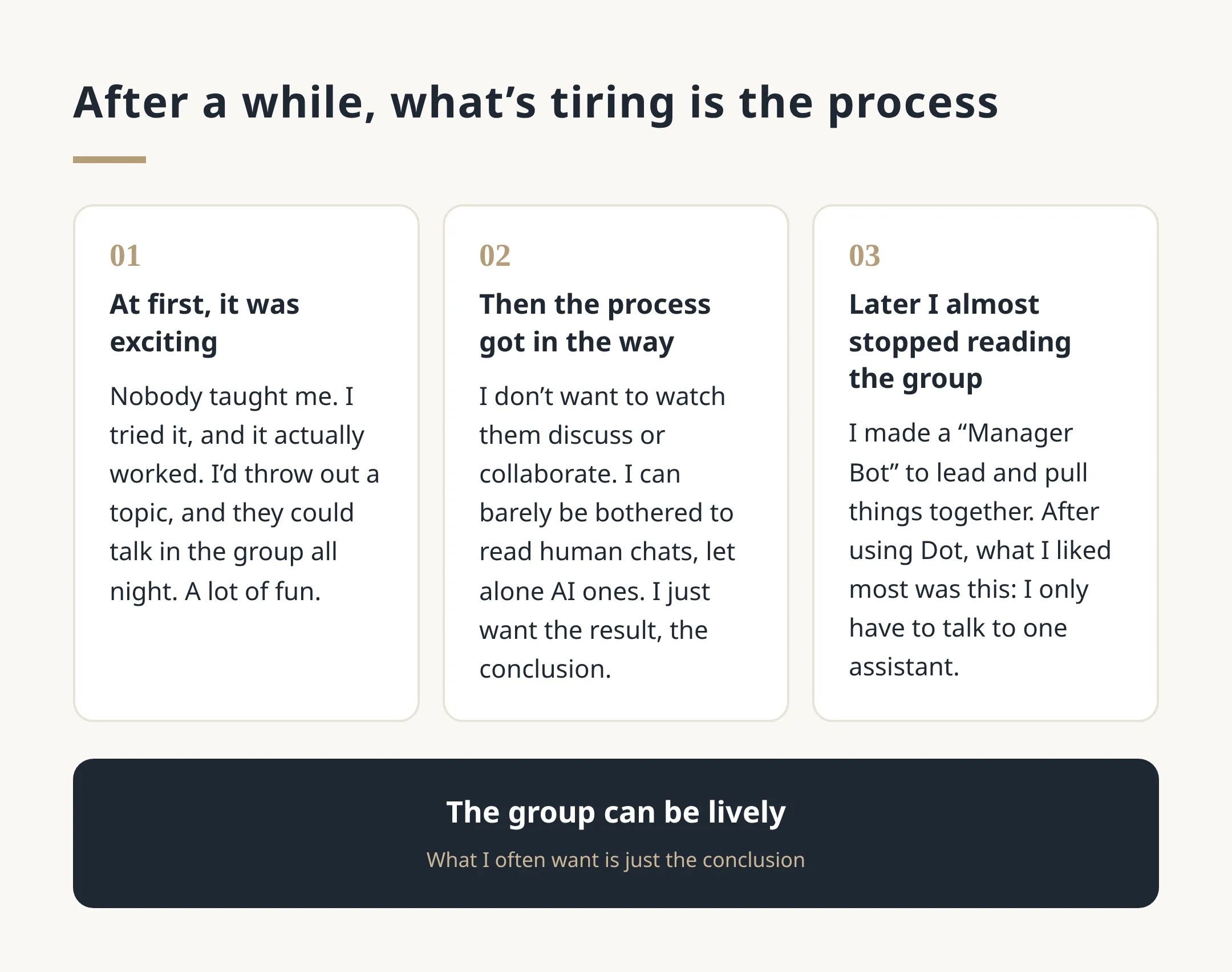
Nobody taught me Grok Bot’s group chat, and I didn’t watch any tutorials. It was an idea I had the moment I started using it and created a bunch of bots with different jobs: wait, can I just pull them into a group and have them talk to each other? I tried it, and it actually worked. At first I was really excited. The conversations were a blast. Sometimes I’d toss out a topic, and they could spend a whole evening discussing it in the group. It was genuinely fun.
But as I used it more often, and used it for longer, I found a pain point that really started to bother me: I simply didn’t want to watch them discuss things in the group, or watch the process of them collaborating. I don’t want to wake up every morning and find a group chat I can’t even scroll to the end of. I can barely be bothered to read human chats, let alone AI ones. All I want is the result, the conclusion. So later on I almost never looked at the group. I just made a “manager bot” to go in, take charge, and pull everything together.
So why did I still want to create that group? Especially after using Dot, I realized that the thing I liked most about it was exactly this: I only have to talk to one assistant.
Looking at these two products on their own, the way I see it, both are like giving an AI assistant a cloud computer. But if you asked me, as someone who makes products, to choose, I’d first have to think about what I’m actually busy with right now.
My attention is the ceiling
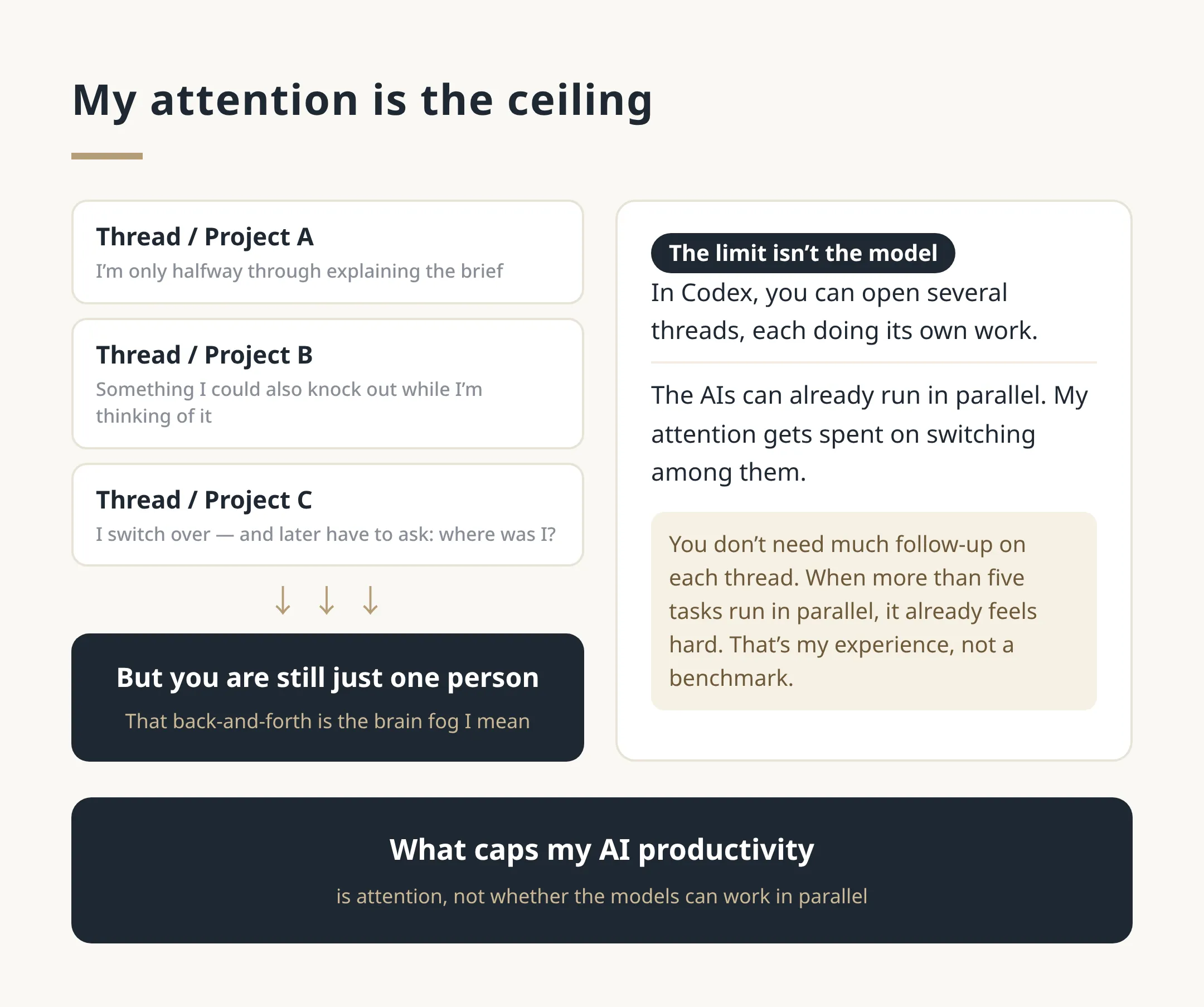
Take the fact that I work on several projects at the same time. With Codex, you can open a number of threads, and each one does its own work. But you’re still just one person. I’d only be halfway through explaining the requirements for the last project when I’d suddenly remember something I could knock out on another project while I was at it. Should I switch over now? If I do, when I come back I’ll have to remember: where was I just now? The more projects, the more conversations, and that’s roughly where that brain fog I mentioned comes from. I realized a long, long time ago that my attention is the ceiling on how much AI productivity I can actually use. The AIs in my hands can all work in parallel, but my attention is all spent on shuffling back and forth. You don’t even need much reviewing and follow-up on each thread — once you’re past about five tasks running in parallel, it already feels pretty rough. Then after a day of working like that, your brain is just mush.
So one of the things that feels especially good about using Dot is that I can rattle off requests to it like a machine gun. Even if two things have absolutely nothing to do with each other, I can still hand them over in one go. How to plan it, which items can move forward at the same time, which Codex thread each one should use later — Dot handles that for me. It’s a bit like my private secretary. When I talk about “converging,” what I’m gathering in is the pile of things I myself have to worry about. Underneath, plenty of threads can still be running. But when an idea has just popped into my head, at least I don’t have to switch myself into another project first just to finish saying the sentence.
In other words, when I’m executing in a me-centered way, with several tasks in parallel, Dot is the best assistant for that. I don’t have to switch conversation windows. I don’t have to manage and follow up on multiple threads at the same time. I just need to pay close attention to the information in this one Dot window, keep replying, and keep giving new instructions, and that’s enough. And the odds of it mixing up context or getting threads crossed should still be fairly low. At least after a stretch of heavy use, I still haven’t had it mix threads up. My guess is that its mechanism is a bit like nesting conversation threads inside a conversation: every time you reply to it, it actually starts a separate thread running. Of course, that’s only a guess.
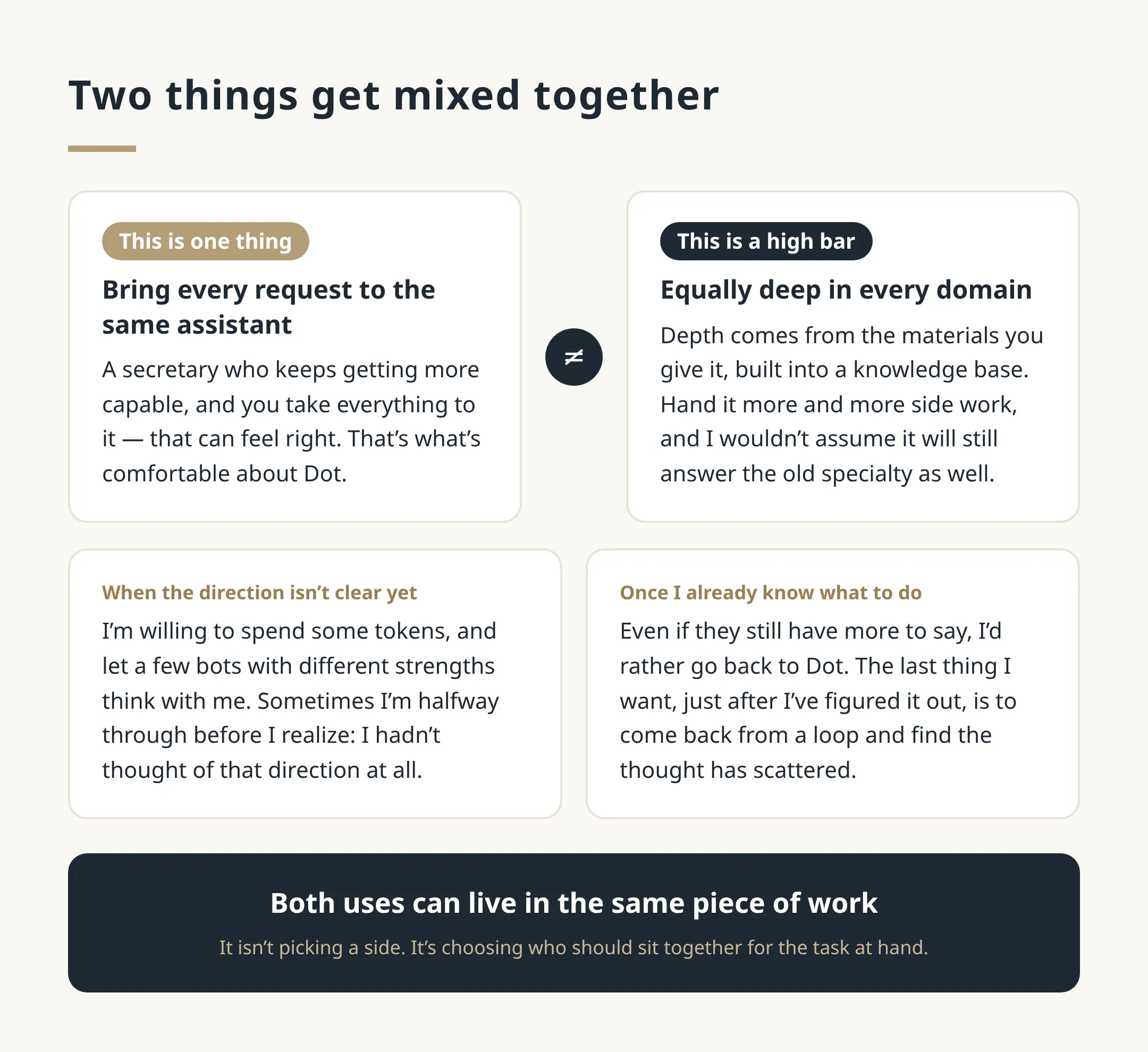
Following that logic, giving me an increasingly capable secretary, and taking everything to that one secretary, also seems pretty good. But there are two things here that are easy to mix together. Wanting to be able to take any kind of request to the same assistant — that’s one thing. Wanting that assistant to go equally deep in every domain I work in — that’s a much higher bar, isn’t it?
I think a bot can get really specialized in a domain if you’re willing to give it the materials from that domain, slowly build them into a knowledge base, and then tune it to the way you actually work. That accumulation is obviously valuable. But if you see it do one thing well, and then start handing it other jobs one after another, the things it has to remember get messier and messier, the context gets longer and longer, and the next time you ask it a question it used to be great at, I wouldn’t just assume it will still answer as well as it did.
Once I thought of that, I could see the point of Grok Bot’s group. It can also have a main bot managing the other bots. But what I’d rather do myself is pick, based on the thing I have at hand, which roles are worth sitting down together. Especially when you’re trying to come up with ideas, sometimes I can’t even explain clearly what I want yet. If you ask me to assign a task to an assistant at that moment, what am I supposed to assign? Whereas if a bot that already knows this subject floats an idea first, and another one picks it up from the angle it knows well, I might only realize halfway through: wait, I actually hadn’t thought of this direction. If I can get that one moment, I already feel the discussion was worth it.
So does that mean pulling more of them in is even more worth it? I think you have to keep doing that math. One more role that actually understands the subject might say a single sentence that already pays for itself. But if the angles you need are already there, and you pull one more in, the ones already in the group still have to respond to it. The group looks livelier than it did a moment ago, and I still have to go through all those extra replies to see whether there’s actually anything new. Those tokens I mentioned at the beginning are spent exactly this way.
For someone like me, one person working on several projects, these two ways of using them can sit inside the same piece of work. If I haven’t even figured out the direction yet, I’m willing to spend some tokens and have a few bots, each with their own strengths, think it through with me. Once I already have a clear sense of things, even if they still have more to say, I’d rather go back to Dot. Because at that point, the thing I’m most afraid of has become something else: I’d just figured out what I wanted to do, dove into conversations across several projects, made a loop, came back, and that bit of thinking I had had already scattered.
So are these two products really just clumsy imitations?
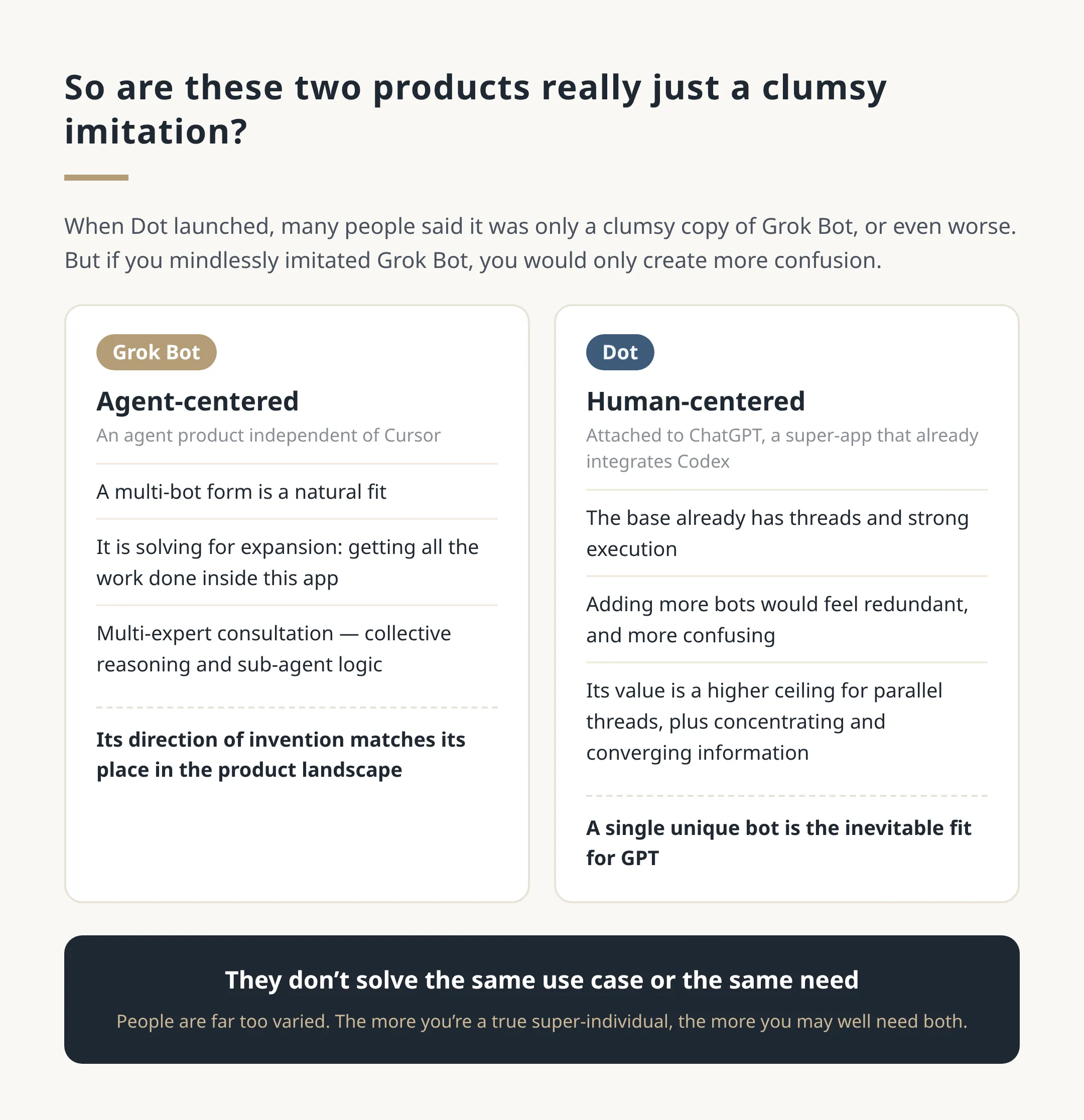
After all, when Dot first launched, a lot of people said it was just a clumsy imitation of Grok Bot, or even worse.
But if I were a product manager on GPT, mindlessly copying Grok Bot would only create more chaos. Grok Bot is an agent product independent of Cursor. For it to innovate, or to use a multi-bot form, is a very natural piece of logic: what it’s trying to solve is how to expand, inside the Grok Bot app, so that it can take on all of my work problems. Dot, on the other hand, is attached to a super app like ChatGPT, which already has Codex integrated — a foundation that already has multithreading and a very strong execution-capable agent base. If you add multiple bots on top of that, it doesn’t just look redundant, it also creates more confusion: for example, should I build my workflow around Dot’s multi-agent logic, or around the traditional Codex project-management-style threads? So Dot as a single, unique bot is the inevitable choice for fitting GPT.
Precisely because the workflows in actual product use are different, Dot and Grok Bot are not actually solving the same usage scenario or the same need.
What Grok Bot actually solves is an agent-centered, multi-expert-consultation style of putting heads together — a sub-agent logic. And that capability actually already exists in Codex, through implicit sub-agents. The way it shows up, and how customizable it is, may not be as strong as Grok Bot, but that doesn’t mean Codex doesn’t have it. For example, well-known skills in OMX like Ralph deepen a workflow through multi-role sub-agents.
What Dot solves, by contrast, is human-centered multithreaded parallelism. Its value is in raising the ceiling on how many threads you can handle per unit of time, and in centralizing and converging information. Of course, I wouldn’t simply conclude that crowd A is a fit for Grok Bot and crowd B is a fit for Dot, as if that were a target-user portrait. People are enormously varied. You have different working states, different kinds of work, and the more you really are a super individual, the more likely it is that you’ll need both.
Alright, that’s a few thoughts, from my own experience and from a product manager’s point of view, on how I use Grok Bot and Dot.
